Master keyboard shortcuts with hands-on exercises built right into your toolbar.
Add MouseTrap to your Excel toolbar. Takes about a minute.
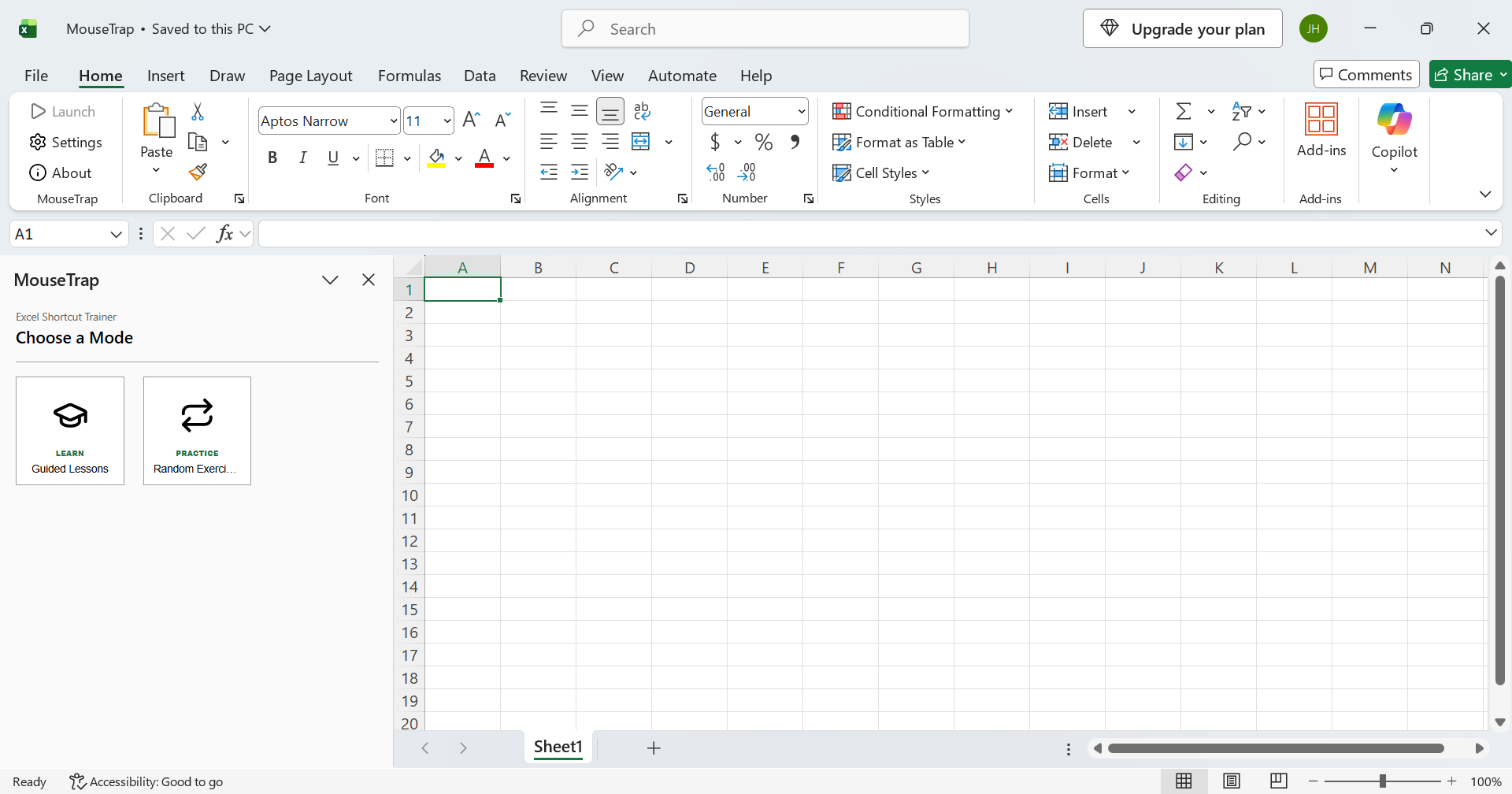
Follow along with guided exercises. You'll practice real shortcuts, step by step, right inside Excel.
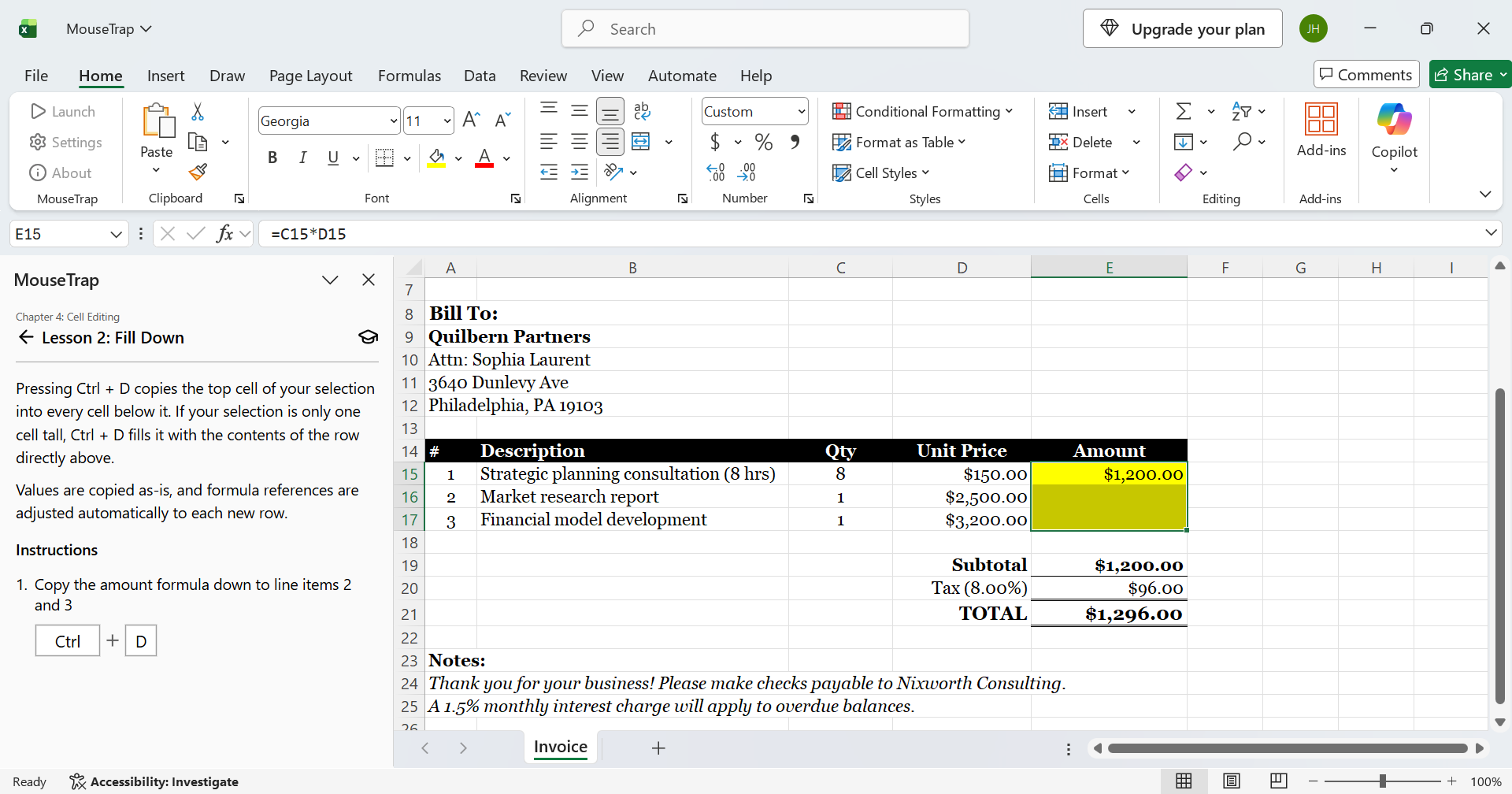
Repeat until it's automatic. The more you do it, the faster you get.
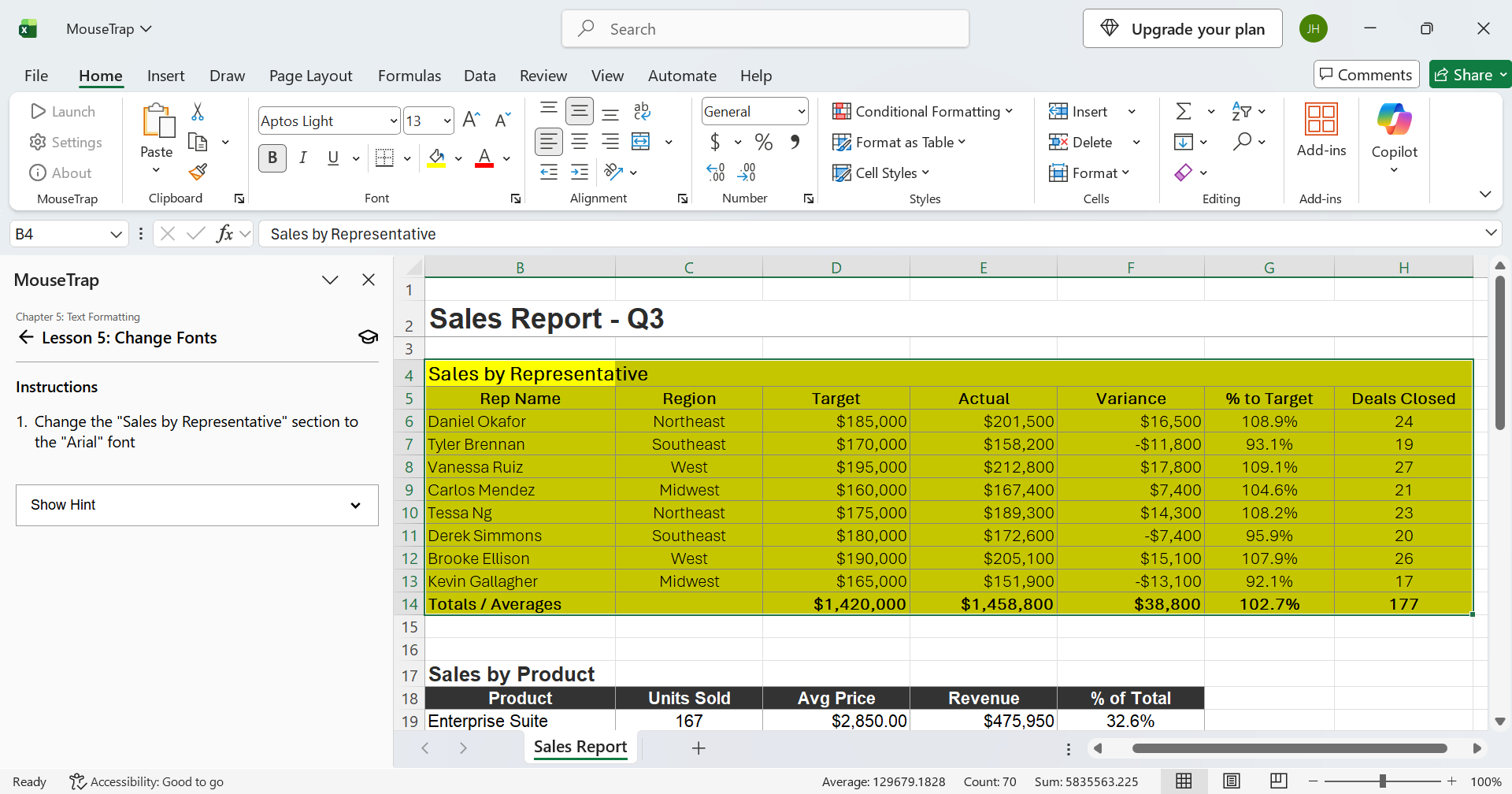
No credit card required. No need to create an account.
Pay once, keep it forever. No subscriptions or recurring fees.
MouseTrap runs on 64-bit Windows 10 or later, with desktop Excel 2013 or newer (including Microsoft 365). MouseTrap doesn't work on Mac or with Excel Online. See the full system requirements here.
Yes. Installation requires administrator access. On a company-managed computer, your IT team can install it for you. It takes about a minute.
No. MouseTrap never shares any of the data in your workbooks. Read our full privacy policy here.
Download MouseTrap for free and start practicing today.

 MouseTrap